About Excel Keyboard Shortcut Deskmat
- The Mouse Pad has a specially designed speed type surface that allows for fast and precise mouse movements, making it ideal for gamers and professionals who require high levels of accuracy and speed in their work
- The desk pad features a non-slip rubber base that keeps it firmly in place, preventing it from sliding around or moving during use.
- Easily roll up the mouse pad without getting wrinkles or creases.
- It is compatible with mechanical and optical mice.
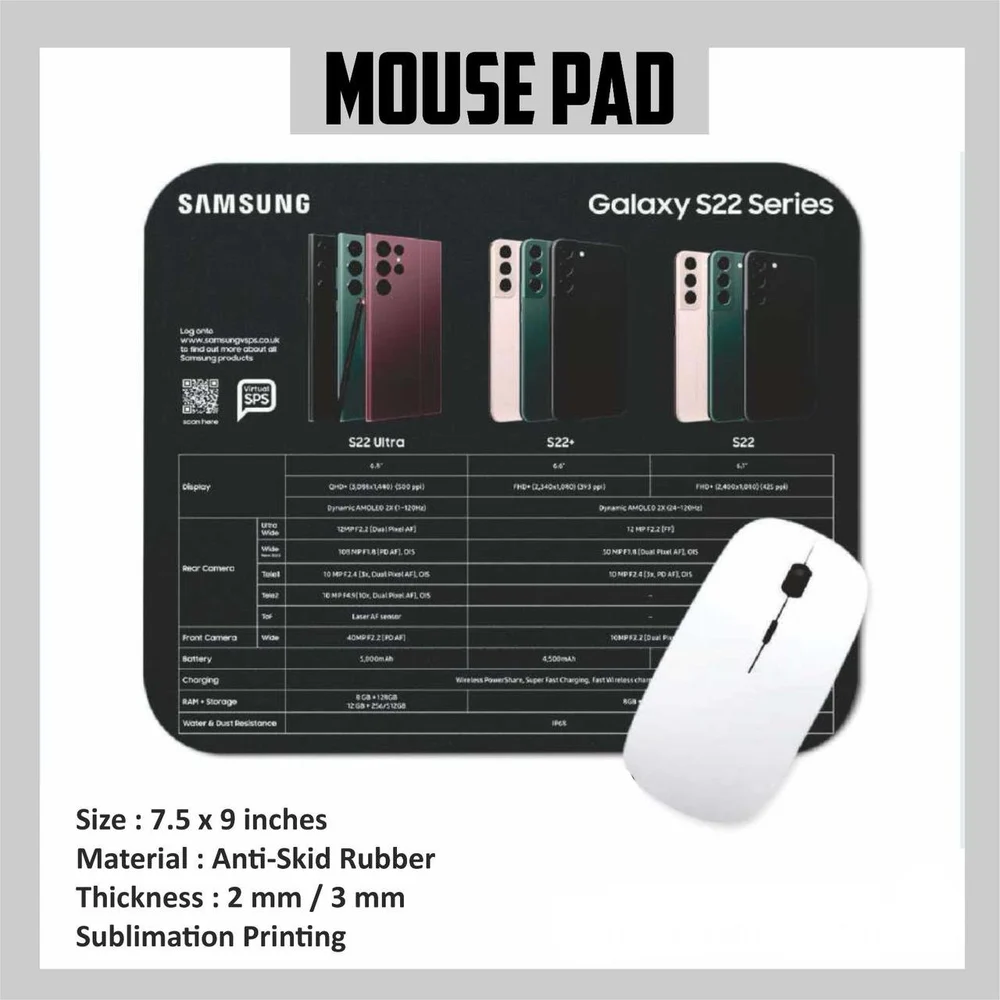
- Size : 11x23 inches | Thickness 2mm / 3 mm | Sublimation Printing
Superior Surface Quality for Accuracy and ComfortThe Excel Keyboard Shortcut Deskmat boasts a smooth, high-quality fabric surface optimized for both optical and laser mouse technologies. Coupled with a durable natural rubber base, this mat ensures precise cursor movement and secure, non-slip placement-enhancing both your productivity and comfort during extended periods of Excel use.
Designed for Durability and Easy MaintenanceReinforced anti-fray stitched edges extend the deskmat's life and prevent surface peeling. With water-resistant properties and a 3 mm thickness, spills are easily managed, and the entire mat can be hand washed or wiped clean with a damp cloth. Its eco-friendly construction guarantees safe and sustainable workspaces.
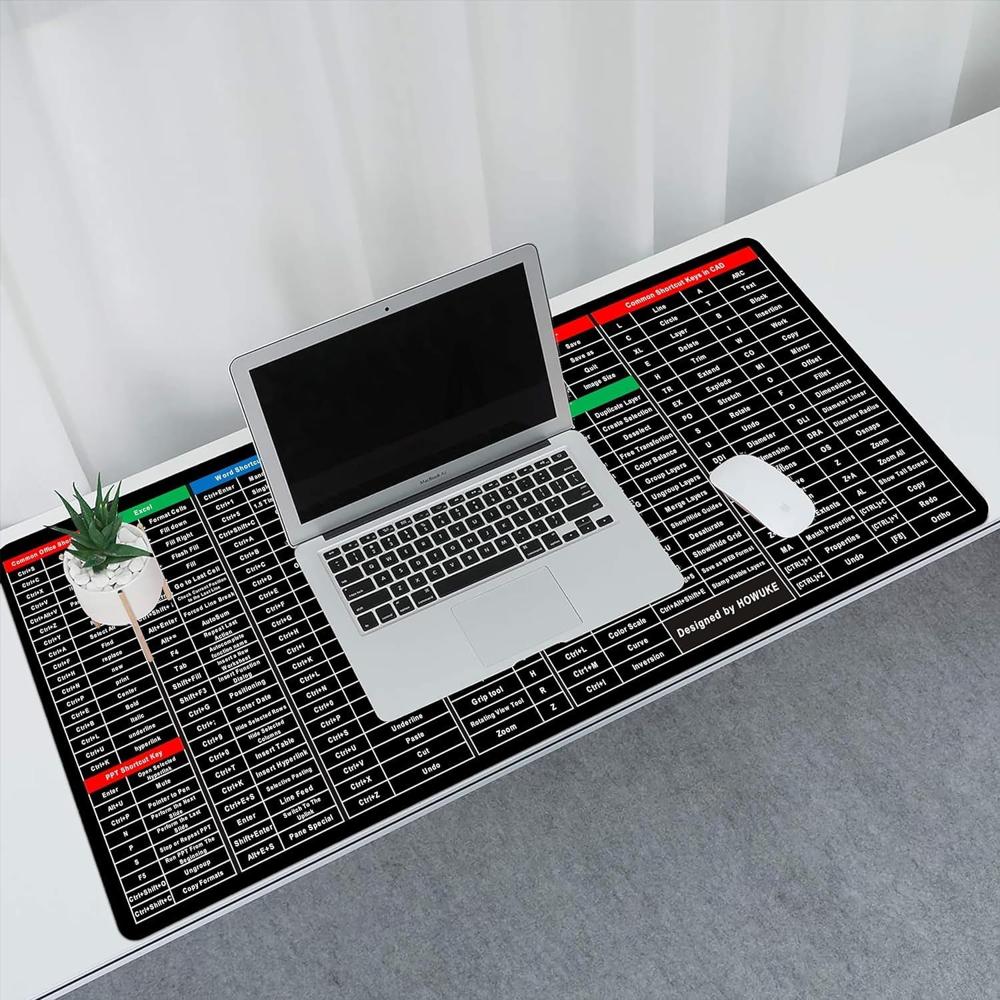
Quick Access to Excel Shortcuts for Increased ProductivityThis deskmat is more than just a workspace accessory-it serves as a handy reference tool. Featuring clearly printed Microsoft Excel keyboard shortcuts, it provides immediate help, improving your workflow and enabling faster navigation through tasks. Ideal for students, professionals, or anyone who frequently uses Excel.
FAQ's of Excel Keyboard Shortcut Deskmat:
Q: How do I clean and maintain the Excel Keyboard Shortcut Deskmat?
A: Simply wipe the deskmat with a damp cloth to remove dust or spills. For deeper cleaning, hand wash it with mild soap and water, then air dry. Its water-resistant surface and stitched edges make it easy and safe to maintain.
Q: What benefits does this deskmat provide for Excel users?
A: The mat provides instant access to essential Microsoft Excel shortcuts, so you can work more efficiently and minimize interruption. This quick-reference feature enhances productivity, especially for users who handle data entry, analysis, or frequent spreadsheet tasks.
Q: When should I use the Excel Keyboard Shortcut Deskmat?
A: Use this deskmat whenever you work with Microsoft Excel-whether in an office, at home, or during training sessions. Its handy shortcut guide is perfect for both beginners and experienced users looking to boost their efficiency.
Q: Where can this deskmat be used?
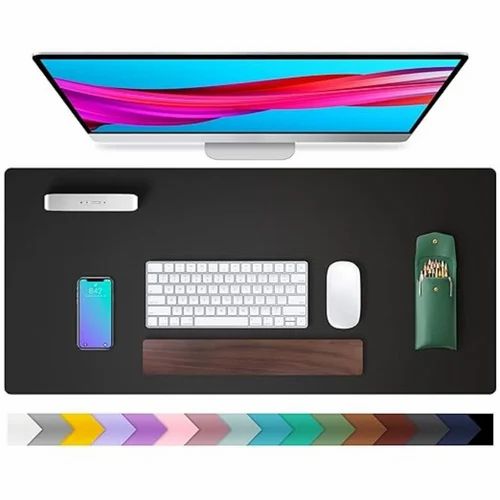
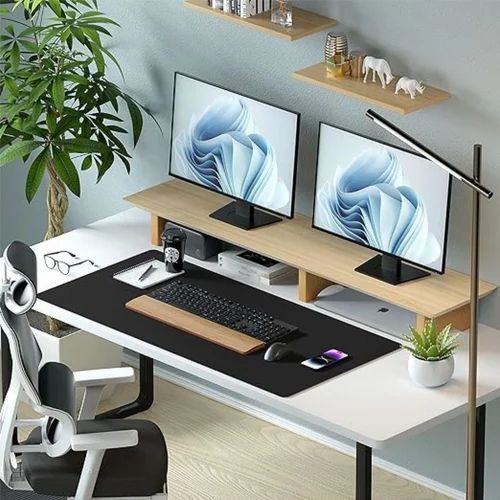
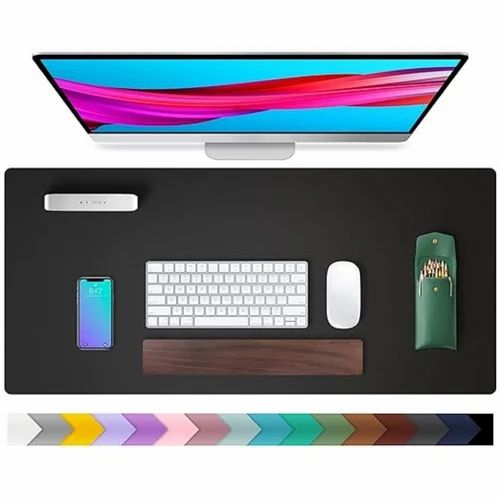
A: This deskmat is suitable for a wide range of environments including offices, home workspaces, school computer labs, or shared co-working areas. Its sleek black design complements different desk setups and professional spaces.
Q: What is the process for ensuring compatibility with various mouse types?
A: The deskmat features a smooth, high-quality fabric surface and natural rubber base, which together support accurate tracking for optical, laser, and traditional mice, providing a consistent experience regardless of the mouse you use.
Q: How eco-friendly is the Excel Keyboard Shortcut Deskmat?
A: Crafted from non-toxic, eco-friendly materials, the deskmat is safe for daily use and minimizes environmental impact. Its durable build also means less frequent replacements, further reducing waste.
Q: What features make this deskmat suitable for long-term use?
A: With a reinforced anti-fray edge design, 3 mm thick cushioning, and water-resistant, fade-resistant high-definition UV print, this deskmat is built to last. Its non-slip base keeps it in place while you work, providing lasting comfort and durability.






 Send Inquiry

 Send Inquiry
 Send Inquiry
 Send SMS